

Design your ideal office
Mix and match space types, booking methods, automations and more to create an office that flexes to meet your needs.

Rules and policies
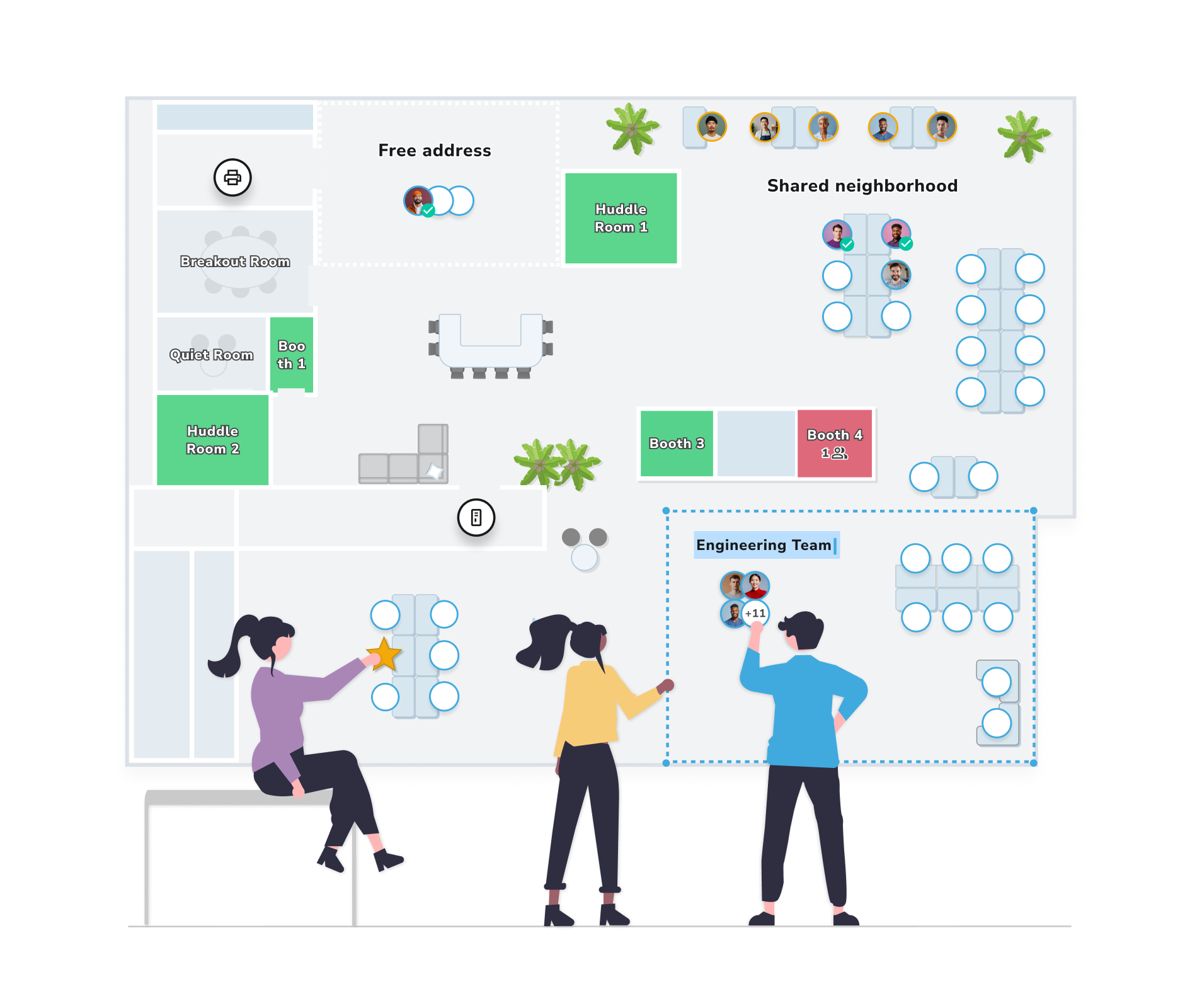
Curate neighborhoods and floor plans to optimize for teams or individual preferences
- Choose to prioritize efficiently booking teams together, or supporting individual flexibility
- Create fairness rules - prioritize equitable desk distribution or allocating space to those who attend most
- Set anchor desks for auto-booking teams
- Designate overflow neighborhoods when capacity is reached
Automations to optimize
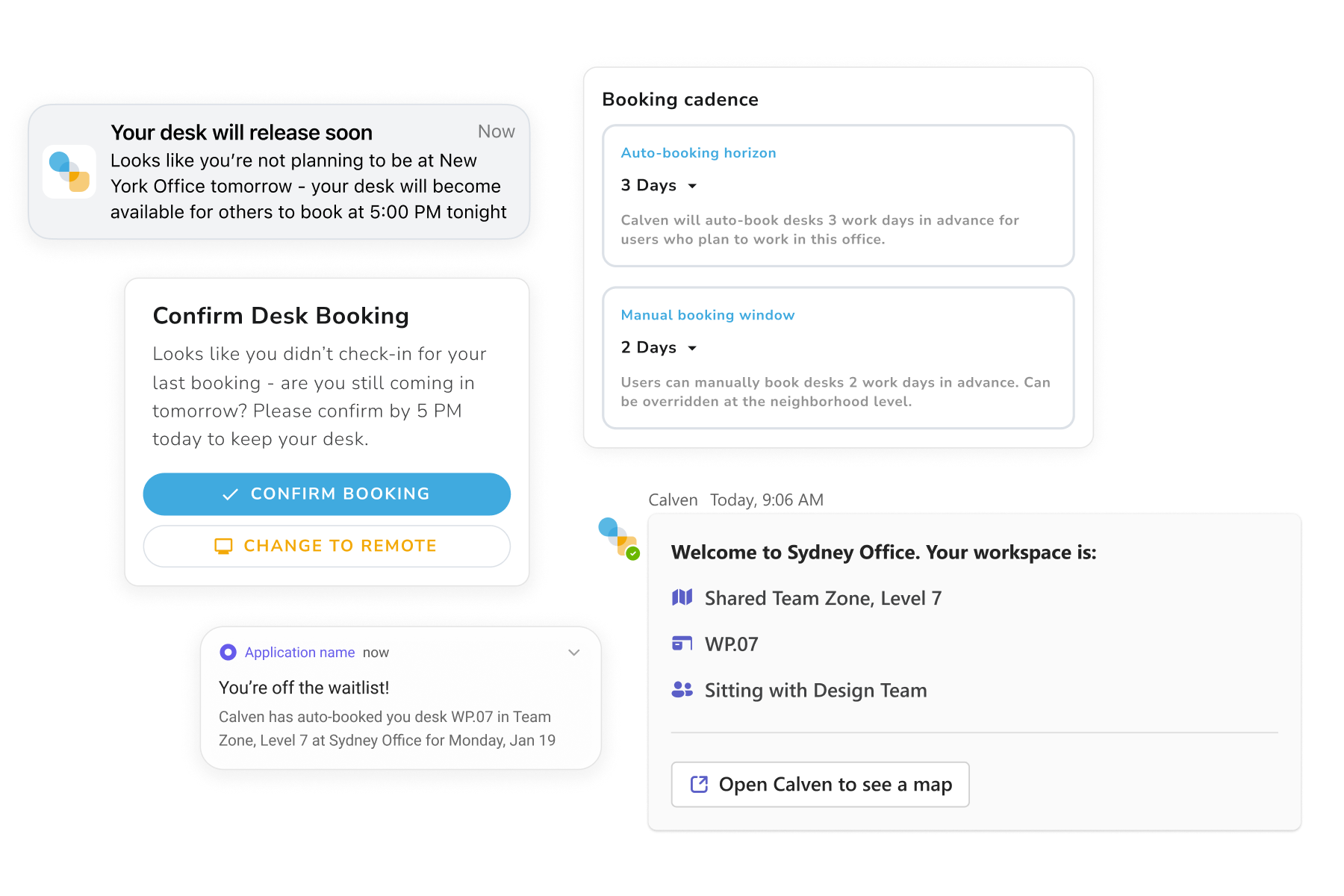
Create an efficient office with automations that work on behalf of your employees
- Ensure desks are properly used by removing bookings for users who no-show
- Auto-release assigned desks when assignees are remote
- Waitlist books employees into a full office when new desks become available
Intelligent reservations
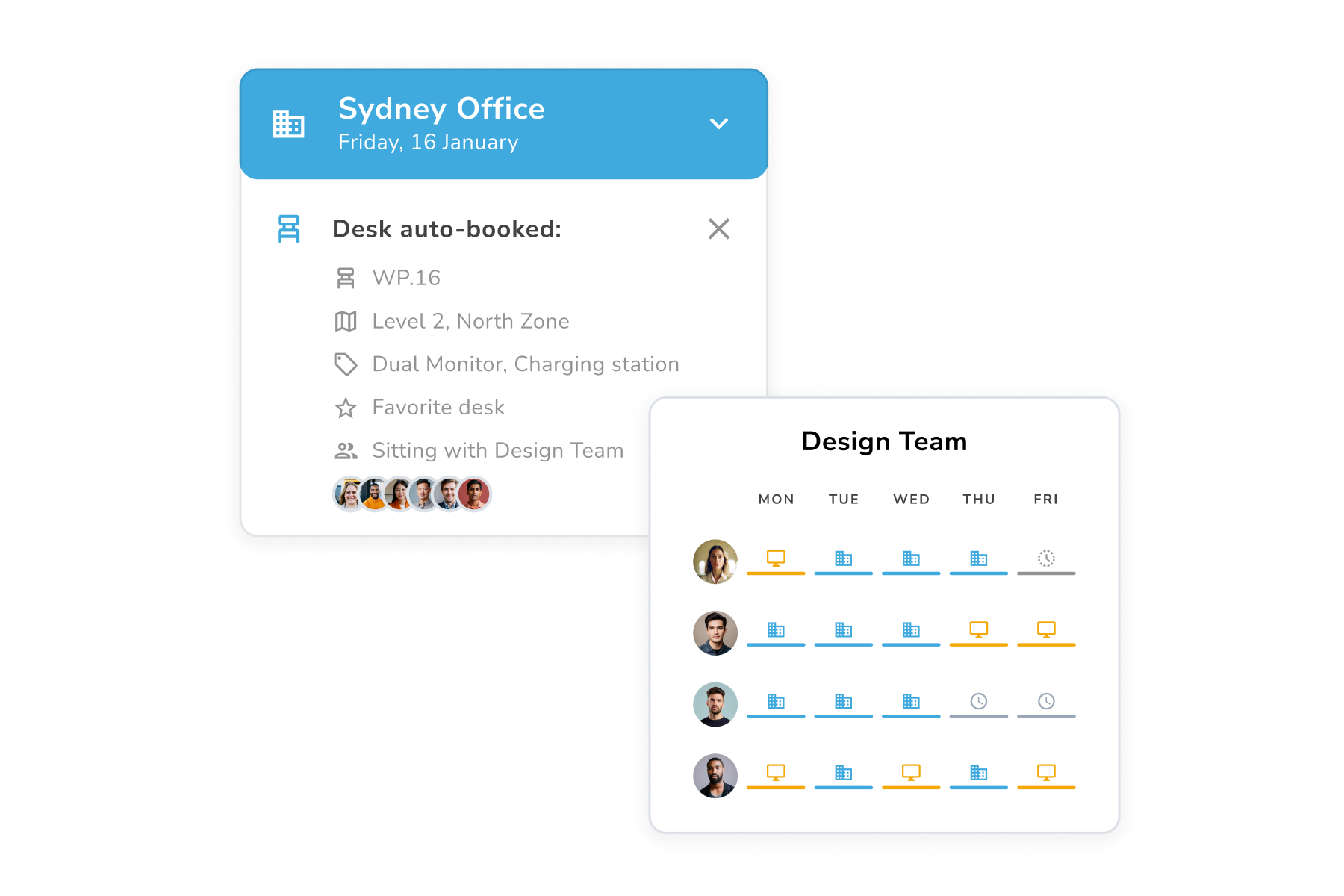
Calven learns each person’s preferred desks and finds the best fit within the rules of each group and office. For even fewer clicks, enable auto-booking to reserve space for employees based on their working patterns
- Auto-book best fit based on planned attendance
- Adapt over time based to support new booking habits
- Choose which groups to book together and where
Just-in-time reservation
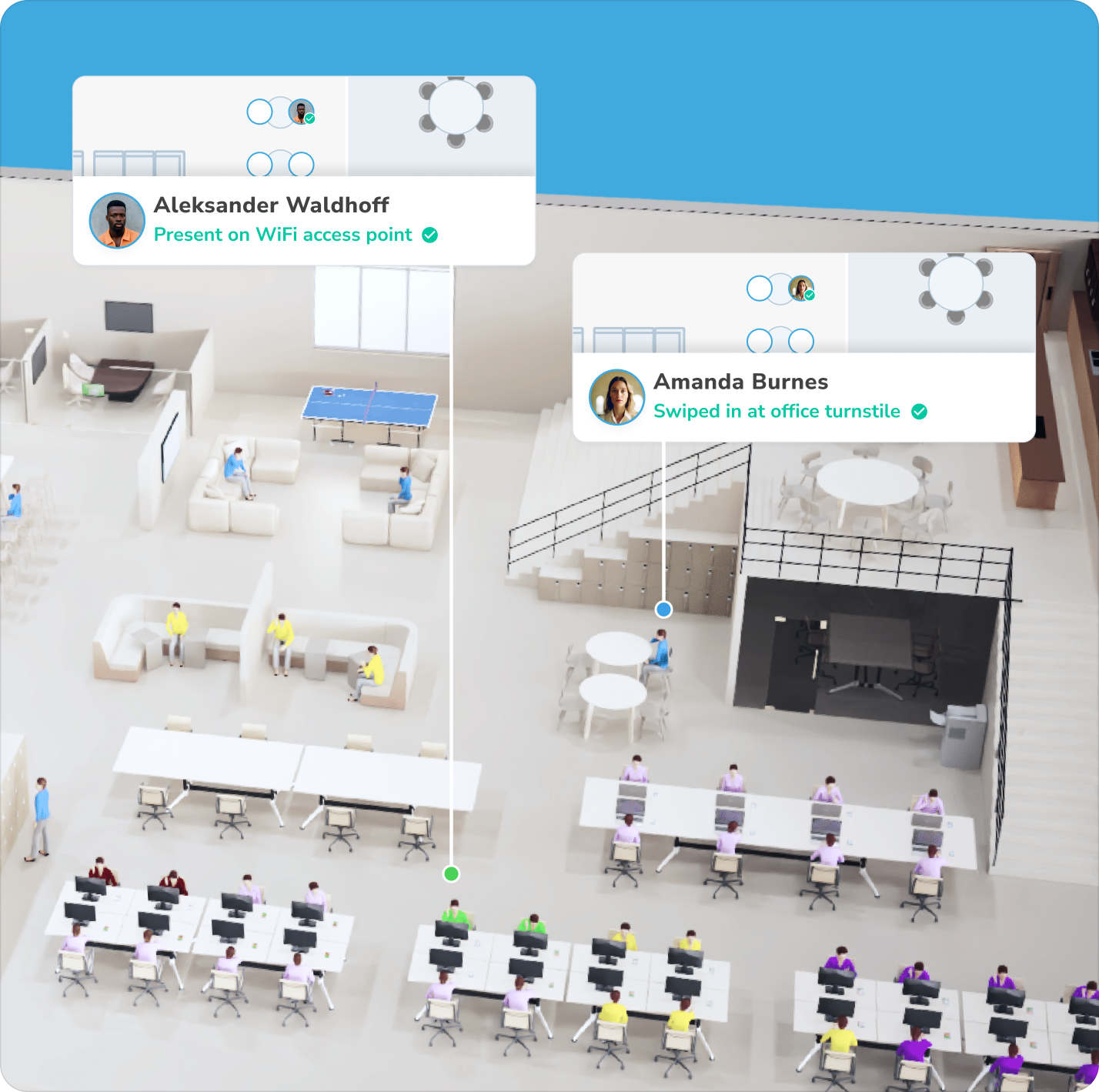
Automatically reserve space for employees when they are detected by presence integrations. No clicks required
- Badge swipes and office network detection - Update user’s working locations to the office when they arrive
- WiFi location awareness - allocate employees space in neighborhoods when they arrive, and allow other employees to find them on the floorplan. Integrates with modern WiFi location systems from Cisco, Juniper and Aruba.
- Desk hardware - reserve desks and automatically check in when users badge in at the desk
Calven desk sharing methods
Calven supports multiple ways to reserve and share desks, which can be used individually or combined to suit the needs of your neighborhood:

Manual booking
Use the Calven floor plan to browse, view amenities, and choose the desk that suits you best each day.

Auto-booking
Use the Calven floor plan to browse, view amenities, and choose the specific desk that suits you best each day.

Just-in-time reservation
Use the Calven floor plan to browse, view amenities, and choose the specific desk that suits you best each day.

Hot desking
Use the Calven floor plan to browse, view amenities, and choose the specific desk that suits you best each day.
Calven space models
Each space model offers a different approach to desk management and can be mixed to create office setups tailored to your teams' ways of working:

Free address
Let employees find seating on a first-come first serve basis. Calven uses a variety of optional presence integrations to update the live floor plan based on who sits where.

Assigned desks
Use traditional space management and assign certain employees permanently to specific desks. Optionally, release those assigned desks for others to use when the assignee is out of the office.

Team neighborhoods
Allocate teams to specific areas of the office based on who needs to sit where. Auto-book teams into neighborhoods or let users manually choose their desks, and configure overflow areas as needed.

Dynamic neighborhoods
Calven auto-books related groups together where they’ll fit best, based on expected attendance each day. Admins control how far groups are moved and group relationships.
More space planning features:
Stack planning
Use real attendance data to help you to allocate space easier than ever before
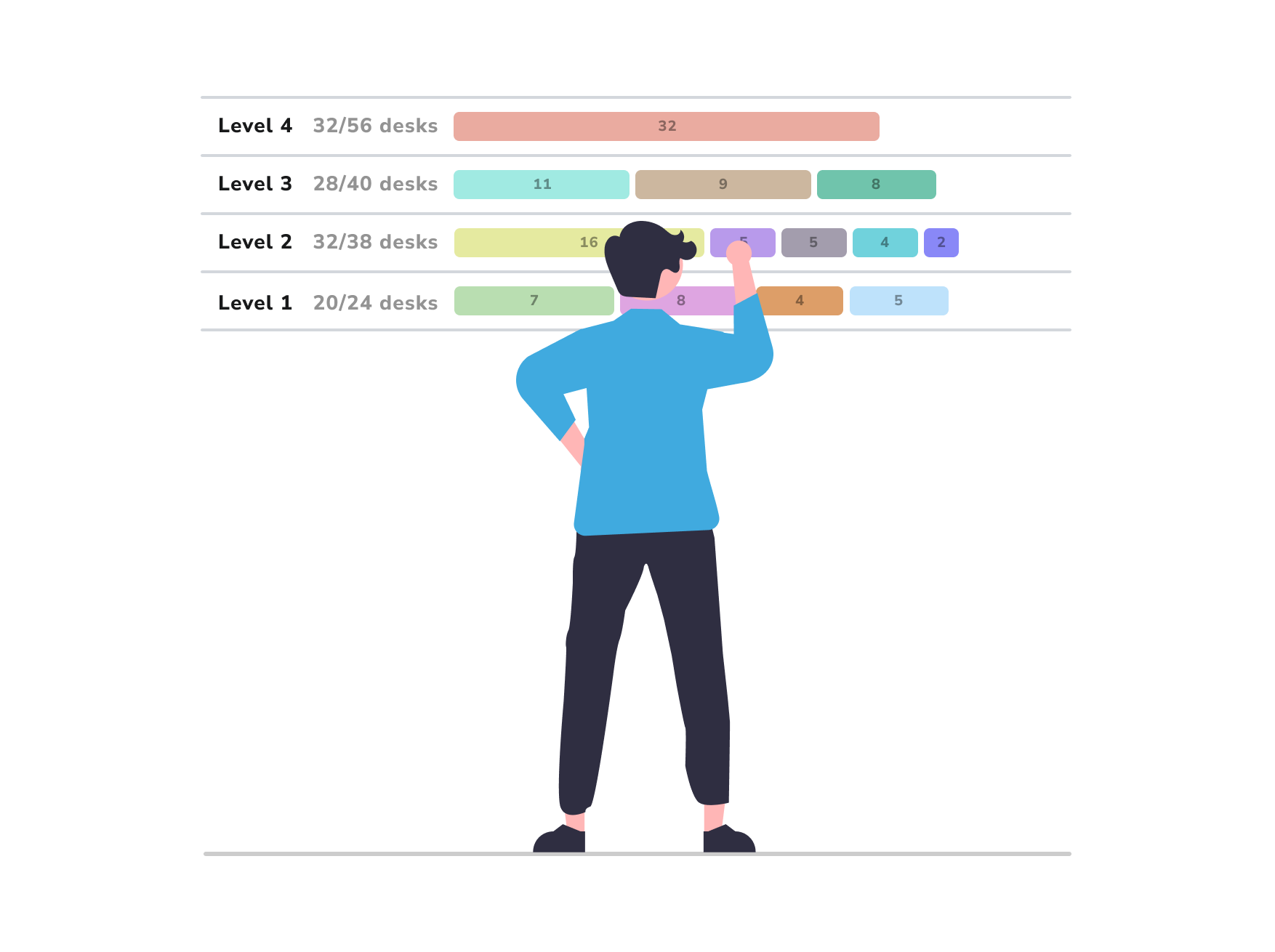
Scenario planning
Use scenario planning to understand changes to your office before you make them.

Data aggregation
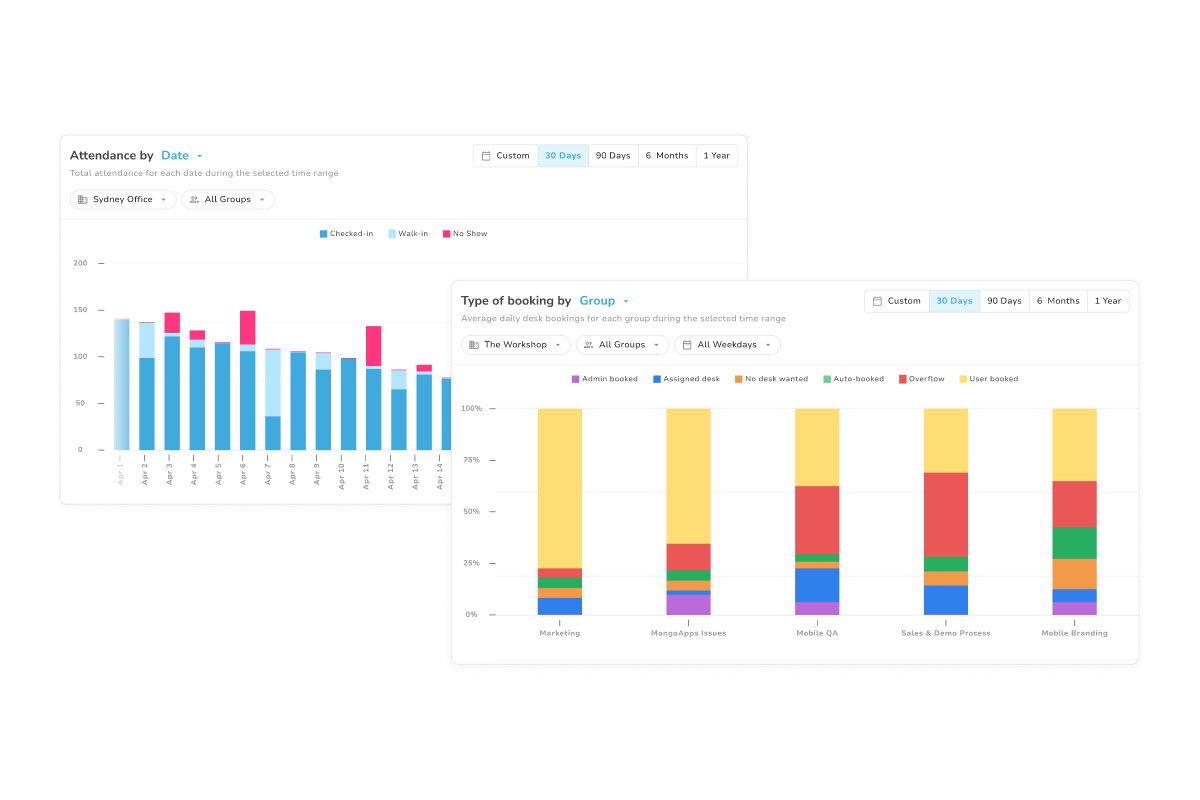
Synthesize presence, badge swipes, and booking logs into a single data stream to power your space planning, office automations, and reporting.
Trusted by industry leading workplaces:


Get in touch to start planning with Calven now: